
UNO 24 Day-Configurator
This tool visualizes your daily routine as a colored ring around the 24-hour dial of the UNO 24. Each activity is assigned a freely selectable arc – creating a clear, intuitive overview of your entire day.
How it works:
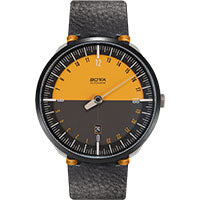
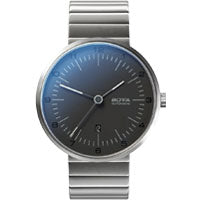
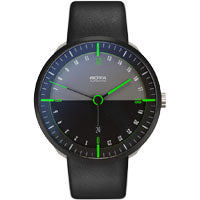
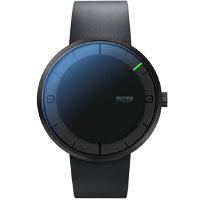
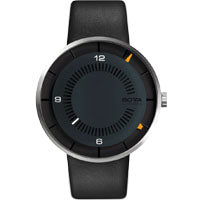
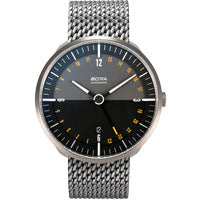
1. Select your favorite UNO 24 dial.
2. Delete or adjust the predefined time blocks.
3. Set the start and end time for each activity.
4. Name the activity, optionally add an emoji, and choose a color.
5. Add, remove, or rearrange activities (no overlaps possible).
6. Save or share your result:
– “Download PNG” to get an image for printing.
– “Copy Save-URL” to share or edit later.
Design your day on the 24-hour dial of the UNO 24 – clear, structured, and instantly understandable. We look forward to your feedback in the current blog post.
- Select your UNO24 model above.
- Set time slots below in 30-minute steps.
- Download PNG or copy a save-URL.
Time slots (30-minute steps)

Configure your Day with UNO 24 - 24 hour Single-Hand Watches
With this configurator, you can see how you use your limited time on a given day. Use the color selection to identify trends in your daily routines, and export an image or a URL to share it with friends and family.
Discover UNO 24